Walking Pad and Standing Desk: Height, Fit and Setup
How high to set a standing desk for a walking pad: add the deck height, check the leg width, pick a typing pace and route the cables before you order.

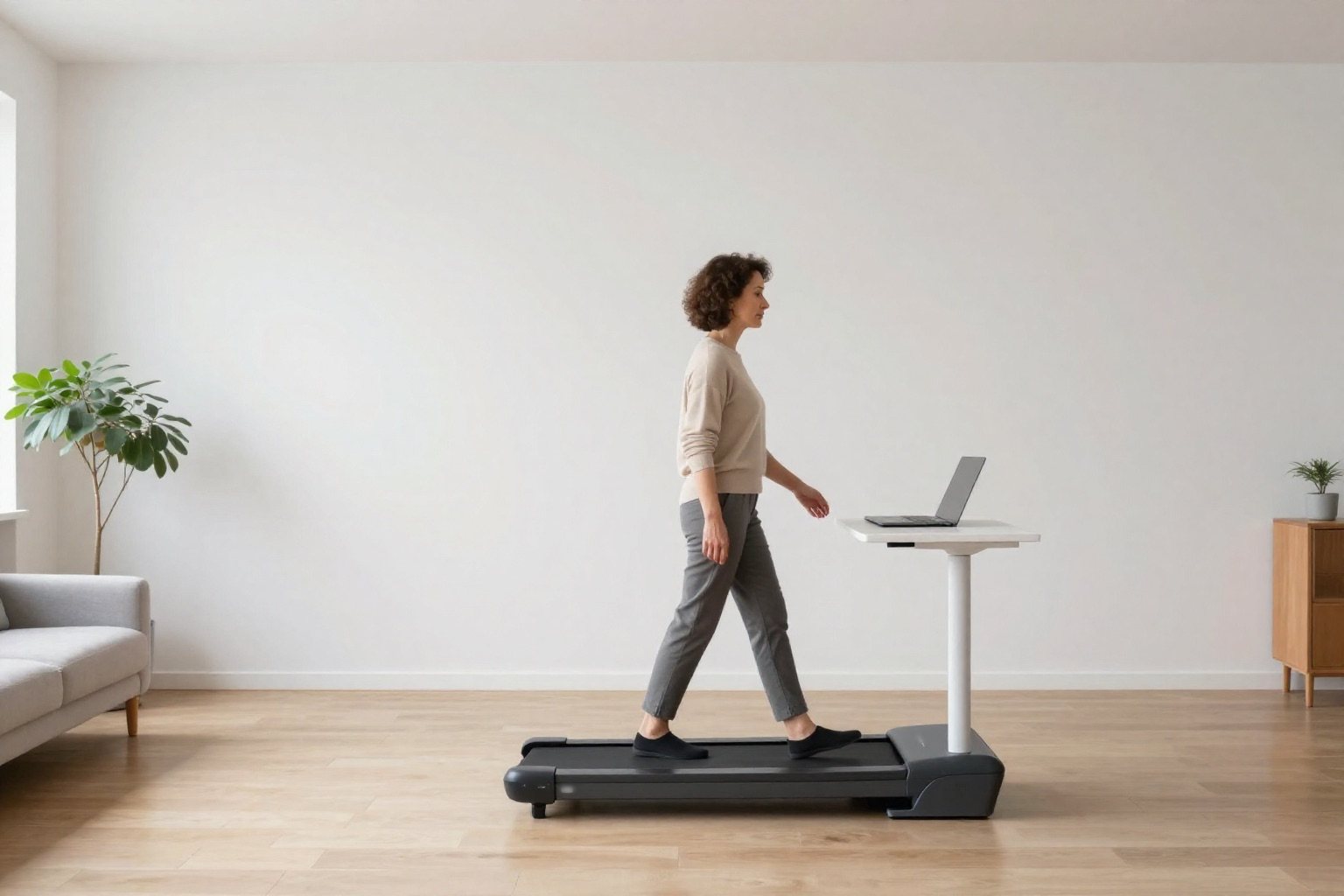
Short answer: set the desk higher than you would for standing on the floor, by the height of the walking pad plus any mat under it. A pad that lifts you 3.5 to 6.2 inches needs a desk that goes that much higher, and that is exactly where plenty of standing desks run out of travel. Then make sure the pad fits between the desk legs, pick a pace you can type at, and keep the cords out of the belt's way. All of it can be settled with a tape measure before you order.
Affiliate disclosureAs an Amazon Associate we earn from qualifying purchases made through links on this page. Commissions never change our ratings.
Start with your elbows, then add the deck
Desk height is personal, so forget the charts for a minute. Put on the shoes you will walk in, stand tall, let your shoulders drop and bend your elbows to about a right angle. Ask someone to measure from the floor to the underside of your forearm. That is your typing height on solid ground. OSHA's computer workstation guidance starts from the same idea: keyboard at roughly elbow height, wrists straight, shoulders relaxed, the top of the screen at or a little below eye level (OSHA).
Now add what the pad puts under your feet. Say your elbows sit 42 inches off the floor and you pick the Yagud Walking Pad with Remote, which its listing gives as 4.6 inches high. The desk surface now wants to be at about 46.6 inches. Put a mat underneath and that grows again by the mat's thickness: the Comeyly treadmill mat in our catalog is listed at 0.2 inches thick, which sounds like nothing until your desk has run out of travel.
That is the number to check next: the desk's stated maximum height. It is the one that catches people out. A desk that tops out just above your standing height on the floor has nothing left once a pad lifts you a few inches. We'd want an inch or two of travel to spare above your target, because you will raise it a touch on the day you wear thicker shoes.
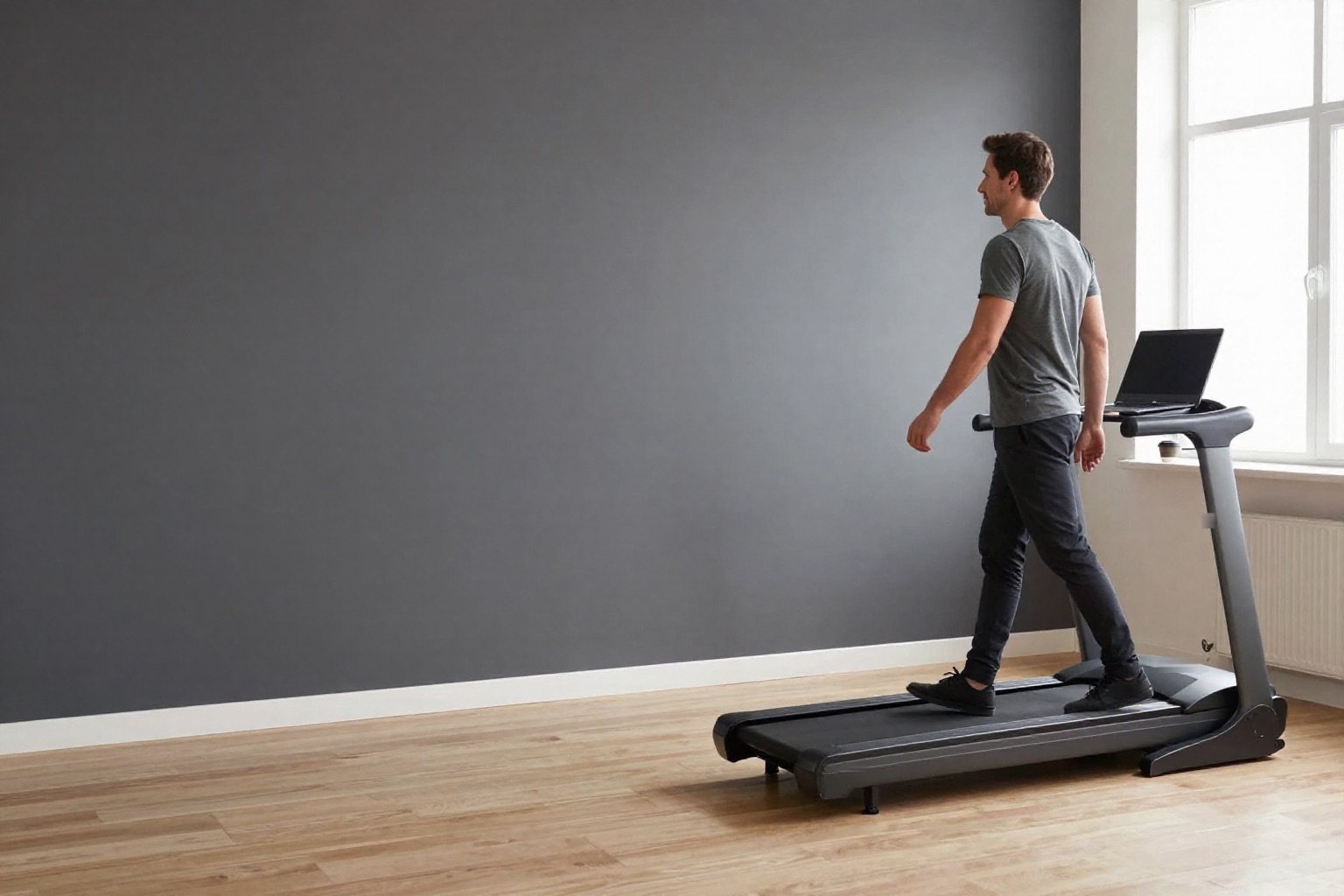
How high walking pads really are, per their listings
Not every seller prints it. Of the 51 walking pads we rate, only some give a height for the pad as you use it, and others quote a folded height with the handlebar down, which is not the height you stand on. Here are four flat pads that print it plainly, best-rated first:
| Walking pad | Height to add | Size as listed | Speed range | Our rating |
|---|---|---|---|---|
| Yagud Walking Pad with Remote | 4.6 in | 47.2 x 19.6 x 4.6 in | 0.6 to 3.8 mph | 8.7/10 |
| Acezoe 15% Auto Incline Walking Pad | 6.2 in | 49.2 x 19.0 x 6.2 in | 0.6 to 5.0 mph | 7.9/10 |
| MJWW 6% Incline Walking Pad | 4.5 in | 4.5 in thin | 0.6 to 3.8 mph | 6.6/10 |
| ANCHEER Walking Pad with Vibration Plate | 3.5 in | 40.8 x 17.8 x 3.5 in | 0.6 to 4 mph | 6.5/10 |
The spread is the useful part: 3.5 to 6.2 inches is 2.7 inches of desk travel between the slimmest and the tallest pad here, which can decide whether your current desk works at all. And the best-rated pads in our under-desk walking pad ranking, the Sunny Health & Fitness Auto Incline Pad at 9.5/10 and the SereneLife Smart Incline Walking Pad, don't print the height of the deck you walk on. If the figure is missing, read the manual or ask the seller before you count on your desk reaching.
Make sure it fits between the desk legs
Height is only half of it. The pad also has to slide in under the desk without the frame getting in the way. Measure three things on your desk: the clear width between the legs, or between the feet if they stick out further; the depth from the front edge to any crossbar at the back; and the clearance under that crossbar if your desk has one. Then hold them against the pad's stated width. The Yagud Walking Pad with Remote is listed at 19.6 inches wide, the Acezoe 15% Auto Incline Walking Pad at 19.0 and the ANCHEER Walking Pad with Vibration Plate at 17.8. Leave a few inches either side so a desk foot never sits right next to your ankle.
Don't push the pad all the way in, either. You want the front of the belt roughly under your keyboard and the rest of the deck behind you, where your stride lands. The free floor behind the pad matters as much as the space under the desk: our treadmill space planner adds the published clearance figures to the length and width in the listing, and the manual of your exact pad has the last word on what it asks for.
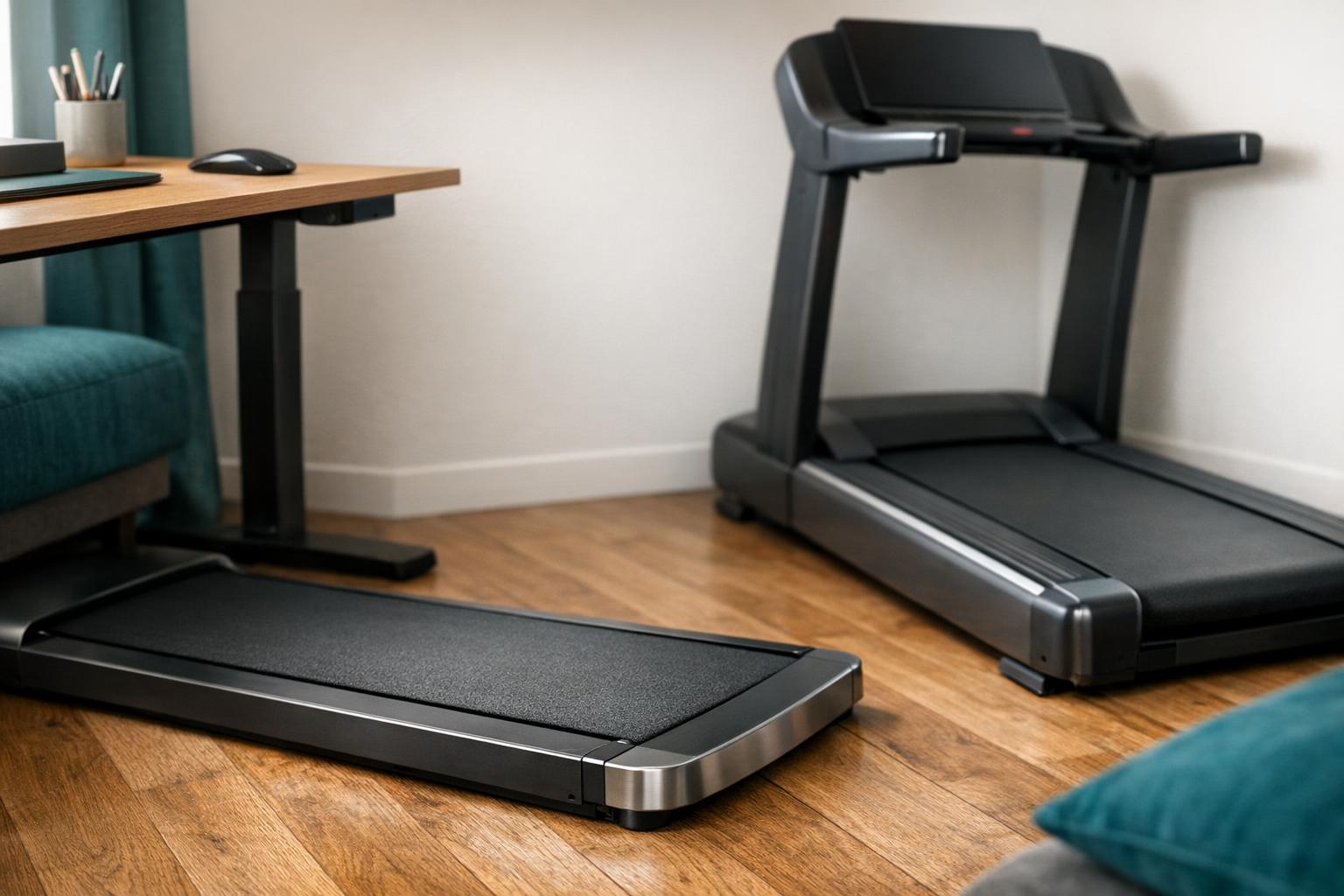
Flat pad, handlebar pad or a pad with its own desk
There are three ways to set this up, and they suit different days.
A flat pad with no handlebar is the classic under-desk setup, and the easiest to live with. The Yagud Walking Pad with Remote, #3 in our under-desk ranking at 8.7/10, is that type: 47.2 x 19.6 x 4.6 inches, 0.6 to 3.8 mph and a remote, all per its listing. Nothing sticks up, so any desk that reaches the right height and clears its width will sit over it.
A pad with a fold-up handlebar, like the Sunny Health & Fitness Auto Incline Pad at the top of our ranking or the SereneLife Smart Incline Walking Pad behind it, gives you something to hold and more speed for a real walk after work. Under a desk, though, a raised bar sits right where the desk edge wants to be, and the Sunny listing itself says to raise the handlebar and lock it before you get going. Check in the manual whether the pad may run with the bar folded down before you plan your desk around it. If you want the bar up, a tray across the handlebar may suit you better than a separate desk.
Then there are pads that bring their own desk. The Hccsport 3-in-1 Walking Pad with Desk, #4 in the same ranking at 8.6/10, comes with a removable desk; its listing calls the height adjustable but doesn't print the range. The judvx Desk Walking Pad, Matte Black (8.0/10) states a desk that adjusts between 47 and 50.5 inches, with a 27.5 x 14 inch top. That is laptop-sized, not two-monitor-sized, and neither listing says whether the height is measured from the floor or from the belt. If you are much taller or shorter than average, ask before you order.
A full treadmill is a different story: its console and handrails rule out sliding it under a standing desk. There, the answer is a tray across the handrails, and our guide to treadmill mats and desks covers how to size one. The VIVO Treadmill Desk Stand-TDML4 is one example, listed with a 26.9 x 11 inch tray, a support bar that adjusts from 31.2 to 45.2 inches to match the gap between your handrails, and an 8.8 lb limit.
Pick a pace you can type at
Top speed is what sells walking pads, and at a desk it barely matters. What counts is how slowly the pad can go and how finely you can adjust it. All four pads in the table start at 0.6 mph per their listings. The MJWW 6% Incline Walking Pad listing even suggests 1.5 mph for focused work and 2.5 mph for active breaks, which is close to what we'd tell a friend: start slower than feels like exercise, and only speed up for calls and reading. If your typing falls apart, you are going too fast. Nobody hands out medals for answering email at 3 mph.
A remote helps more than you'd think. Bending down to a display at deck level in the middle of a sentence gets old by Tuesday. The Yagud Walking Pad with Remote, the MJWW 6% Incline Walking Pad and the ANCHEER Walking Pad with Vibration Plate all list one. If your pad also has incline, remember that a raised deck lifts you a little at the front, so a setting you love for an evening walk may feel odd at the keyboard. Our walking pads with incline ranking sorts the pads that state one.
Cables, mat and the floor under it all
Two power cables now share a small patch of floor: the pad's and the desk motor's, plus whatever runs up to your laptop. Route them down the desk leg furthest from the belt and keep them well clear of the rear roller. Plug the pad into the wall the way its manual says; some manufacturers rule out extension cords entirely. Leave enough slack that the desk can travel all the way up without tugging anything.
A mat under the pad protects the floor, keeps the pad from creeping and softens the hum for whoever lives below. Walking pad mats run smaller than treadmill mats, around 55 x 24 inches in our catalog. Two things to check: the mat goes into your height maths, and the desk legs either stand on the mat too or clear it completely, so the desk never rocks on a mat edge. If the screen ends up below eye level once everything is in place, a laptop stand and a separate keyboard fix it for very little money.
Your setup checklist before you order
- Measure your elbow height in the shoes you will walk in.
- Add the pad's stated height and the thickness of the mat.
- Check that the desk's stated maximum height clears that total with an inch or two to spare.
- Measure the clear width between the desk legs and feet, and compare it with the pad's stated width.
- Leave the back of the deck free and check the clearance the manual asks for.
- Plan where both power cables run, away from the belt.
- Start at the slowest speed and raise the screen to eye level.
Still choosing the pad itself? Our best under-desk walking pads ranking lists the five best-rated models we track, and the treadmill vs walking pad guide helps if you are not sure a pad is enough for you.
Our rated picks
The three best-rated models of our best under-desk walking pads ranking, from the buyer review record and the listed specs.


Product images: Amazon listings
Frequently asked questions
How high should a standing desk be for a walking pad?
At your standing elbow height plus the height of the pad, plus the mat if you use one. With elbows at 42 inches and a pad listed at 4.6 inches, that is about 46.6 inches. Measure in the shoes you will walk in, and check that the desk's maximum height clears the total with a little to spare.
Can I use any standing desk with a walking pad?
Any desk that rises high enough and leaves enough clear width between its legs and feet. Check the stated maximum height against your elbow height plus the pad, and the leg spacing against the pad's stated width. A crossbar at the back must also clear the pad.
What is a walking pad table?
A compact standing table, often on a single column, sized for a laptop over a walking pad. The same two numbers decide whether one works for you: its maximum height and the clear width under it. A laptop-sized top is fine for calls and email; two monitors need a full desk.
Can I use a walking pad with a handlebar under a standing desk?
Only if the manual allows the pad to run with the handlebar folded down, because a raised bar sits where the desk edge goes. Some listings, such as the Sunny pad at the top of our ranking, tell you to raise and lock the bar before you start. If you want the bar up, a tray across it is the simpler setup.
What speed should I walk at while working?
Slower than you think. The flat pads in our table start at 0.6 mph, and the MJWW 6% Incline Walking Pad listing suggests 1.5 mph for focused work. Begin there and speed up for calls or reading; if your typing gets sloppy, slow down.
Can I put a standing desk over a full treadmill?
Not in the usual way, because the console and handrails are in the way. A treadmill desk tray that sits across the handrails is the option there; our mats and desks guide covers how to size one.
References
Independent sources and manufacturer documents for facts stated in this guide, also linked where the guide states them.
- OSHA: Computer Workstations eTool · keyboard near elbow height, wrists straight, top of the screen at or just below eye level
Products mentioned
- Yagud Walking Pad Treadmill for Home Office, Portable Under Desk Treadmill with Remote Control and LED Display, Walking Jogging Running Machine for Home (exact listing)
- Walking Pad Treadmill with 15% Auto Incline, Under Desk Treadmill for Home with 300lbs Weight Capacity, 3.0HP Quiet Walking Pad Small Space & Office with Speaker, APP, Remote Control (exact listing)
- MJWW 6% Incline Walking Pad, Smart Under Desk Treadmill with App Control, 2.5HP Quiet, 300 LBS Weight Capacity, Installation-Free Portable Walking Jogging Treadmill for Home Office (exact listing)
- Pink Walking Pad with Incline - Under Desk Treadmill with Vibration Plate (exact listing)
- Walking Pad Treadmill with Desk Workstation,3.5 HP Foldable Treadmills with 15% Incline & Handle Bar,450lbs Capacity,2s Folding,Ultra-Quiet,Small/Compact Under Desk Treadmills for Home Office (exact listing)